 Python IDE
Meet your first print().
Write Python, tap Run, and see the result right beside your code. The interpreter runs on your device.
LOCAL PYTHON 3.13Your own pocket-sized Python studio. Start with a line of code, learn by doing, and turn a small idea into something you can play with.
Local Python. Your files. Room to experiment.
A small start goes a long way
A focused space to try, understand, and keep going. Your editor, learning path and little experiments, together.
Write Python, tap Run, and see the result right beside your code. The interpreter runs on your device.
LOCAL PYTHON 3.13Short lessons lead into editable exercises. Come back to your own work, and use challenge feedback to see what needs another try.
12 LESSONS · 6 CHALLENGESPlay a Python game, open its source, and make it your own. A new score, a different rule, a fresh idea — then run it again.
15 PYTHON GAMES + SNAKEPause on a line, inspect a variable, and move forward one step at a time. Understand the result instead of guessing at it.
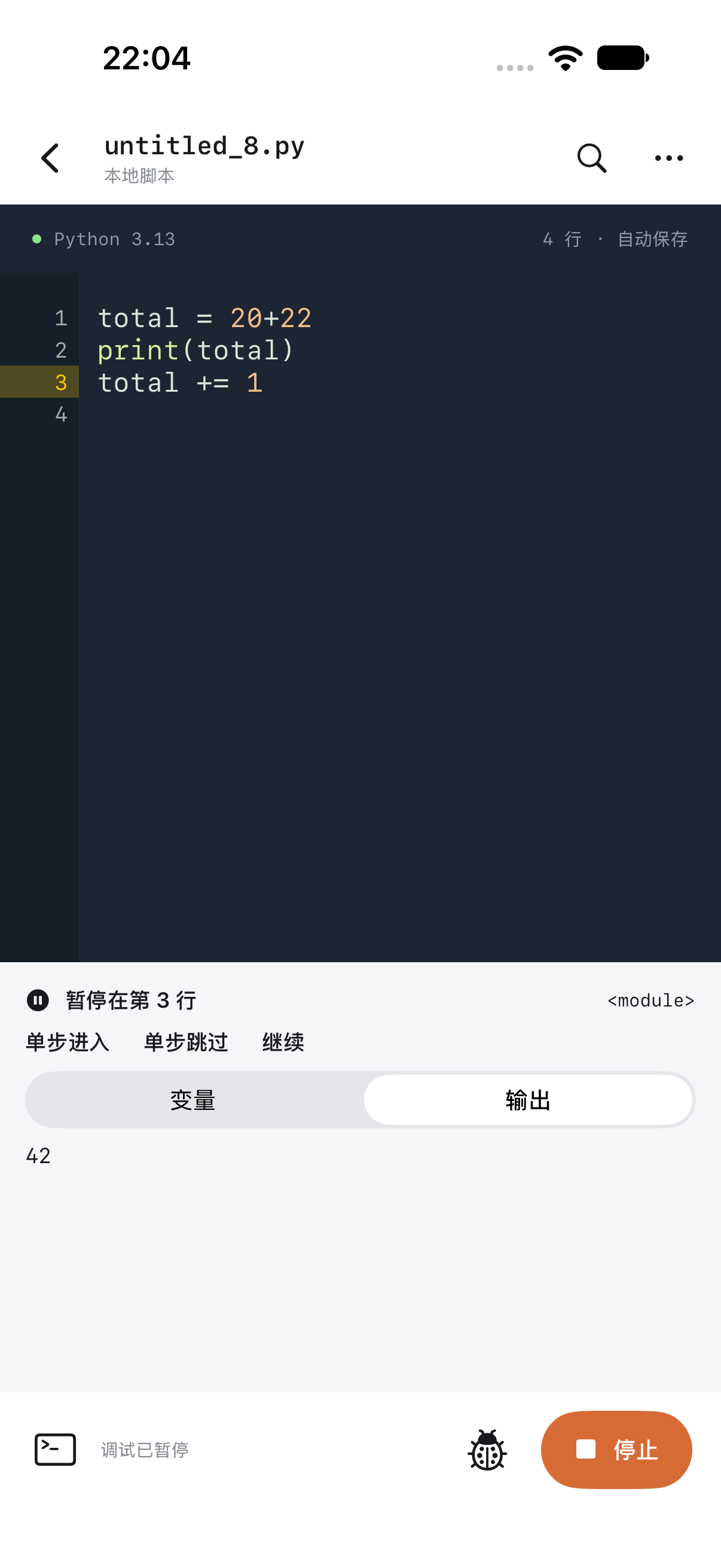
total = 42Keep scripts alongside TXT, CSV and JSON data. Edit UTF-8 text, find files by name, and import or export using the system Files picker.
Search PyPI by package name. Pro installs compatible pure-Python wheels and dependencies, with real download progress and a cancel option.
Learning can look like play
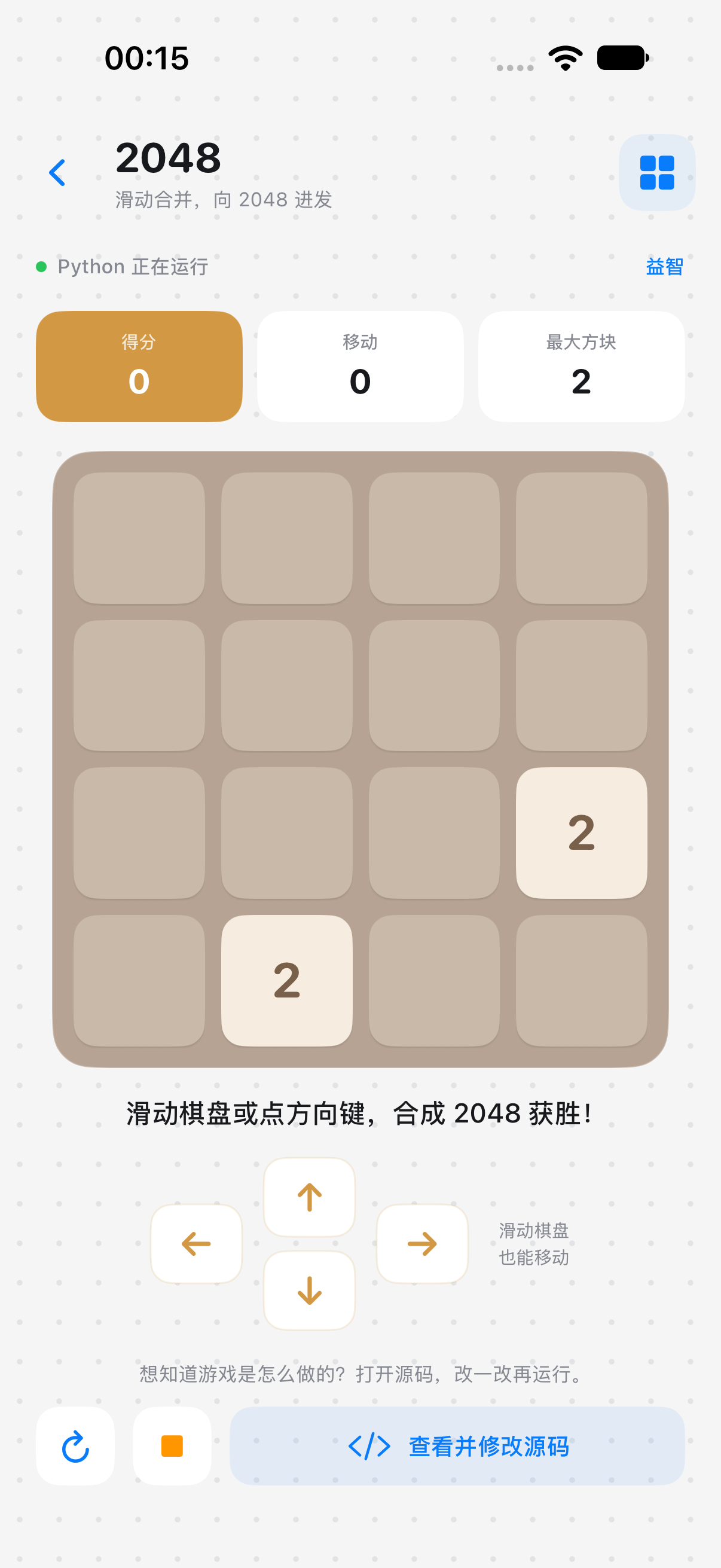
A number puzzle becomes a lesson in lists. A matching game becomes a lesson in state. Open an editable copy of the Python source and follow your curiosity.
2048
Make your next move.Memory match
A match worth making.Illustrative board previews. 15 games run from editable Python; Snake is a native game. The app uses its own graphical game renderer, not Pygame.
Start free. Go further when you’re ready.
The essentials stay free. Pro brings the full learning and game library, plus tools for your next step.
Everything you need for your first working script.
More to learn, play with and build.
See current local prices and availability in the app.
Monthly and yearly plans renew automatically until cancelled. Lifetime is a one-time purchase. All purchases are handled by Apple. Your saved files remain editable and runnable when a subscription ends. Read the terms →
Good to know
Your scripts, the included Python runtime, lessons and bundled games run locally. Searching for or downloading packages, Apple purchases, and code that requests online services need a connection.
Yes. Create, edit, save, import, export and run your files without Pro. The first 3 lessons, the first challenge, all quizzes, 2048, tic-tac-toe and Snake are also free. Saved code stays editable and runnable after a subscription ends.
Package installation supports compatible pure-Python wheels and their dependencies. Packages that need native extensions or compilation are not supported. NumPy, pandas, Matplotlib and Pygame are not included.
Not automatically. Files and learning progress are stored on the current device. Import and export through the system Files picker to move a copy yourself. Export important work before deleting the app.
Python IDE is built for iPhone and iPad running iOS or iPadOS 17 or later. This website is available in English and Chinese; the current app interface and learning content are in Chinese. App Store availability depends on the release and your region.
Open the Pro page in the app and choose Restore Purchases using the same Apple Account. Manage auto-renewing subscriptions in your Apple Account’s Subscriptions settings. Apple’s cancellation guide ↗
Write locally. Keep your work. Keep being curious.